

Ask three people on your team what “ready” means and you can get three answers. Without a written definition, ready can mean someone pressed Publish.
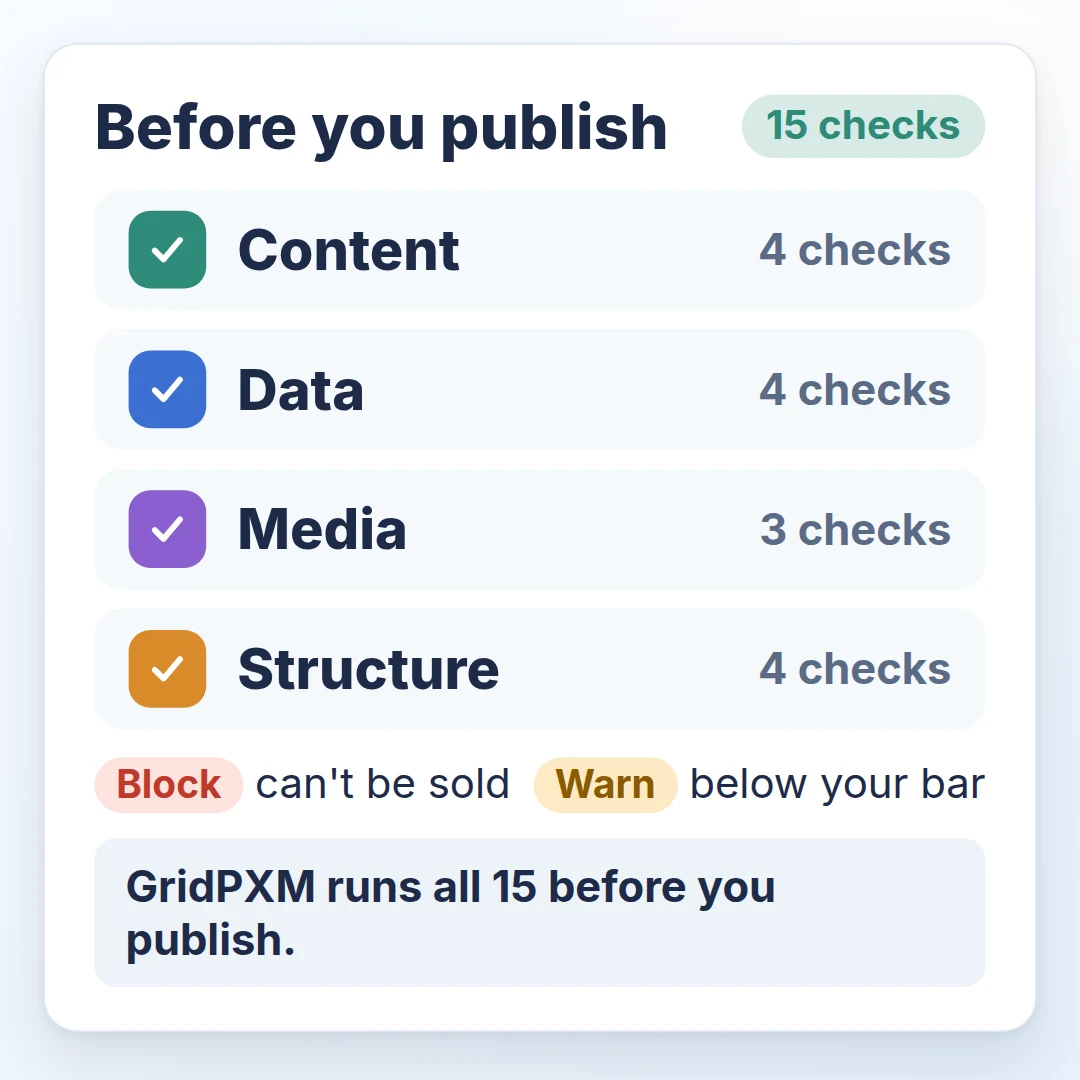
In short: a product is ready to publish when nothing on it would mislead a buyer or get it rejected by a channel you list it on. This product catalog checklist has 15 checks in four groups (content, data, media and structure), each marked Block or Warn. Fix every Block on your best sellers first, then work down the Warns.
Why define “ready” before you publish?
Otherwise each person on your team applies their own bar, and gaps can surface later as rejected listings. Write the bar down, and split it in two:
- Block when a buyer, channel or partner would be misled or would reject the product. It cannot be sold as it is.
- Warn when it can be sold but sits below your quality bar.
What is on the 15-point product catalog checklist?
Fifteen checks you can run by hand and record in a spreadsheet. Where a check says “enough” or “long enough”, write down your own minimum for each category or channel.
Content
- A name in every language you sell in. Block.
- A description that is not thin, long enough to tell a buyer what the product is. Warn.
- A clean title. No ALL CAPS or promotional words; a variant’s title names its size or colour. Warn.
- Search metadata: a meta title, and a meta description long enough for a search snippet. Warn.
Data
- Every required attribute is filled, including every required language for translatable attributes. Block.
- Valid identifiers. A barcode (GTIN) with the right length and check digit. Block if invalid; if missing, Block only where the channel requires one.
- Values valid for their type: units present, numbers in range, options from the allowed list. Block.
- The target channel’s required fields are filled. Block for each channel you list on, Warn for the rest.
Media
- Required image types are present, such as a front view, on the product and each variant. Block.
- Enough images. Warn when there are fewer than your channels expect.
- Images meet the channel’s size, format and content rules. Block on hard requirements, Warn on recommendations.
Structure
- A product sold in variants has variants, each with its size, colour or other variant value set. Block.
- A bundle has components, and no bundle contains itself. Block.
- The product has a category. Warn, or Block if your target channel requires one.
- No conflicting identities. Block duplicate SKUs within your catalogue and duplicate variant combinations within one parent product. Investigate a repeated barcode against the item it identifies.
What should you fix first?
Fix Blocks on your best sellers before Warns.
- Take your 10 top-selling products.
- Run only the Block checks and fix every Block, best seller first. By hand, start with checks 1, 5, 9 and 12, then add the other Blocks: a checklist nobody runs protects nothing.
- Then run the Warns, in the same order.
- Record each failure in one row, like this:
- Product: Steel water bottle, 750 ml
- Check: 9, required image types
- Finding: the navy variant has no front view photo
- Severity: Block
- Owner: catalogue lead
- Effort (estimate): one photo, about ten minutes
To measure, count Blocks and Warns per product. A week later, rerun the same checks on the same 10 products. Aim for zero Blocks and fewer Warns; keep a clean sample clean.
What can a checklist not catch?
Whether a value is true. These checks test presence, format and structure, so a 750 ml bottle listed as 500 ml, because the capacity came from an older product’s packaging, can still pass. Confirm values with whoever owns the product, or measure a sample, and test channel rules against each channel’s published requirements.
Completeness is separate; see how much product information is enough to sell.
How does GridPXM enforce publish readiness?
On screen, and again when a product is activated. Checks that run only in the editing screen can be skipped by an integration, so the blocking checks belong behind the screen too.
That is how we built GridPXM, our product information management software. It checks a product before publishing, and each issue opens the field you need to fix. An error stops publishing; a warning points out what to improve. The blocking checks also apply when a product is activated through the API. Publishing marks the record active; it does not send anything to a marketplace.
It runs all 15 checks on this list, so the bar is written down once and applied to every product.

Who is GridPXM for?
Brands and sellers who want one checked product record, with the same checks applied to every product before it goes live.
Ready should be a definition, not a button.