
Your catalogue, inside your AI chatbot
GridPXM comes with an MCP server, so members of your organisation can manage and query the product catalogue from ChatGPT, Claude and Gemini.
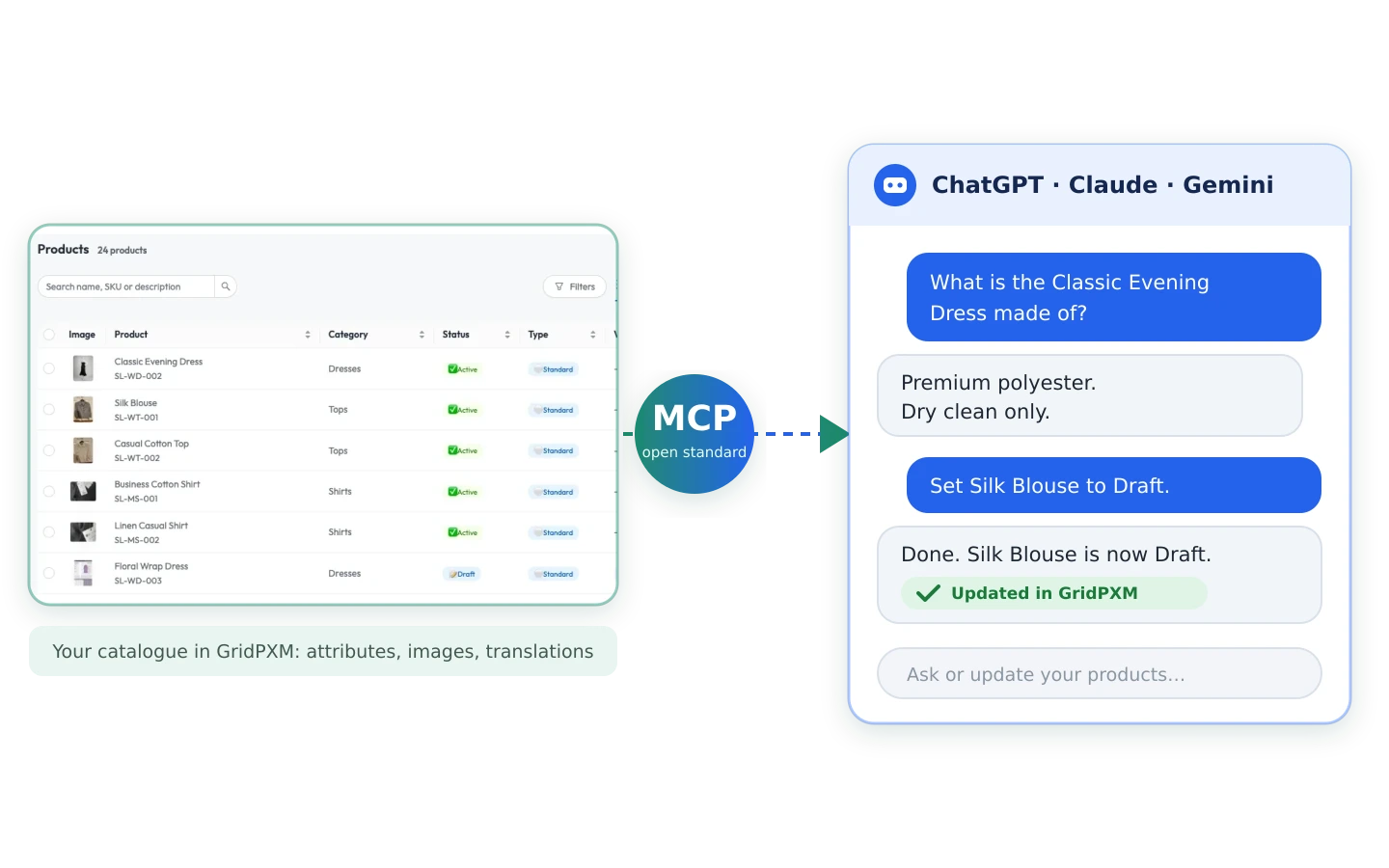
Connect ChatGPT, Claude and Gemini to GridPXM
MCP (Model Context Protocol) is an open standard that lets AI chatbots connect to outside tools and data. GridPXM's MCP server connects them to your catalogue.
Connect through MCP
Link ChatGPT, Claude and Gemini to GridPXM through its MCP server, instead of pasting spreadsheets into a chat.
Query your catalogue
Members of your organisation ask the chatbot about products and get answers from facts GridPXM has checked, not from spreadsheets and old files.
Manage it by chat
The same members can manage the catalogue from the chatbot, updating products without switching tools.
Details it can find
Material, fit, care and other specs sit in structured attributes on the product record, not buried in a paragraph.
Open, not tied to one chatbot
MCP is an open standard, so your catalogue is not tied to a single chatbot. It stays in GridPXM, and it stays yours.
From catalogue to chatbot
Three steps, in the order you'll meet them.
Build your catalogue
Bring your product data into GridPXM, structure it by category and check every product.
Connect your AI chatbot
Link ChatGPT, Claude or Gemini to GridPXM through the MCP server.
Query and manage your products
Members of your organisation query and manage products in the chatbot they already use, and it works from your GridPXM catalogue.
Bring your product data. See what's missing, what's wrong and what's ready.
Tell us how your business manages it today.